← BACK TO THE HUB
05 · /en/command-center
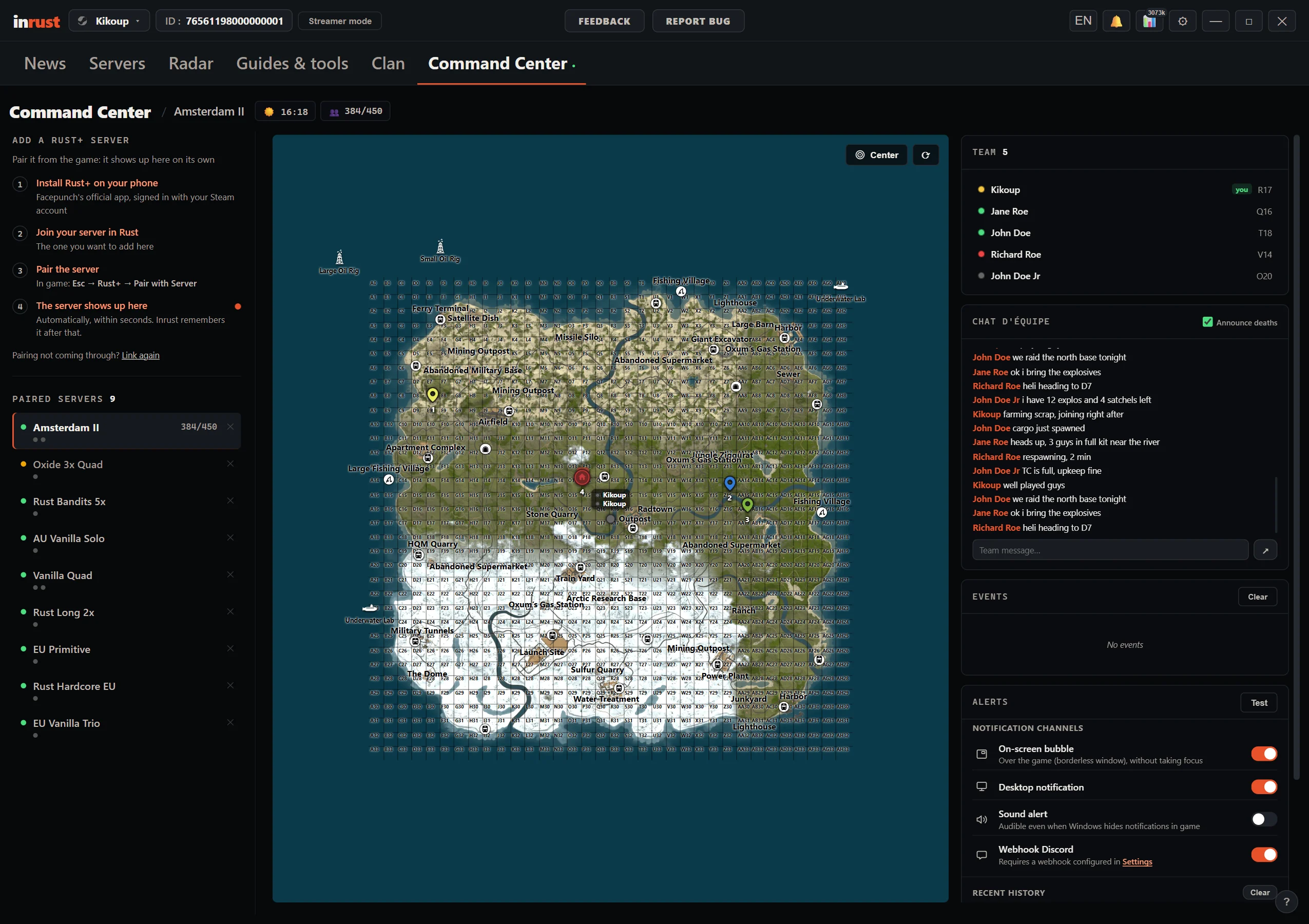
Rust+ on a big screen
The live map, your boxes, your alarms and your switches — everything pairing opens up for you, on the PC screen, next to your game. Official Rust+ pairing, nothing else.
THE MAP
Alive, and at the right size
Your team on the move, the monuments, your markers. Shown large, the map reads in a single glance.
THE BASE
Switches, alarms, boxes
Turn the turrets on, cut the lights, see what is left in a box and how long the base upkeep holds.
THE ALERT
When the alarm goes off
The notification lands on the PC. You know what was triggered, and where.
Entirely free
The whole command center is free, and will stay free. What Facepunch opens up for nothing, we do not resell.
What you need
A Rust+ pairing with your server, exactly as for Facepunch's own app.
What it does not do
No overlay on top of the game, no key driven for you. A window next to it, nothing more.
Inrust is an unofficial companion app. It is not affiliated with, endorsed by or associated with Facepunch Studios Ltd. “Rust” and all related marks belong to their respective owners. © 2026 Inrust.